
Swap a face in any photo in seconds with FaceSwap AI. No apps to install, no image-editing skills needed — just upload a photo.
How to swap a face in a photo with AI
FaceSwap AI by GPTunneL is a neural network for face swapping that makes professional photo editing accessible to everyone. No complicated settings, no lengthy learning curve, no expensive subscriptions. Just upload two pictures and get a result you can't tell from the original. The tool runs right in your browser on any device.
FaceSwap relies on algorithms that:
- Detect more than 68 key facial landmarks;
- Analyze skin texture, color, shadows and reflections;
- Understand the 3D structure of the head even at tilts and turns;
- Match facial expression and lighting to the background of the original.
Unlike regular social-media filters, FaceSwap produces photorealistic images while preserving natural expressions, correct proportions and subtle lighting nuances on the skin. It's not a crude cut-and-paste — it's an intelligent reconstruction.
So, how do you swap a face in a photo?
Step 1: Upload the photo where you want to replace the face
Open FaceSwap AI and pick the image where you want to swap the face. We support photos of any size and format.
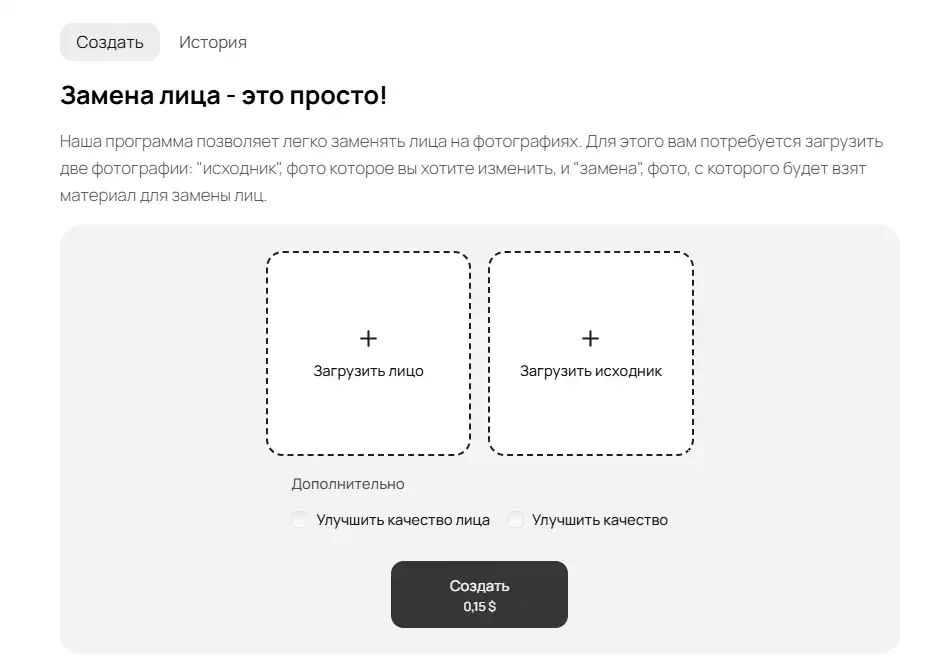
Step 2: Upload the new face and the source photo
Add the image with the face you want to use, plus the source image. Our neural network automatically detects the features and fits them to the source photo.
Tip: For the best result, choose photos taken from similar angles and lighting, with faces clearly visible. In our examples, we used publicly available photos from Unsplash.
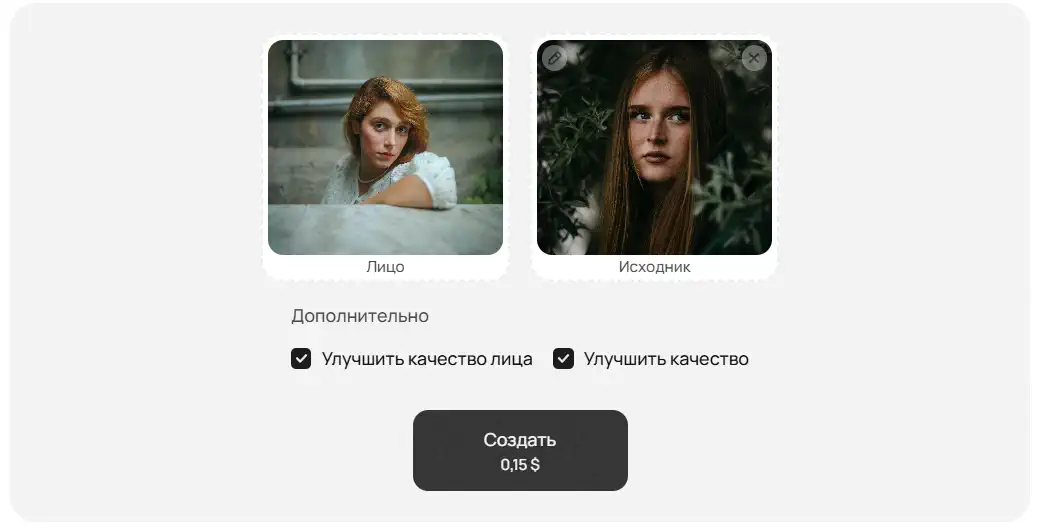
Caption: Photos used for the generation: Photo 1, Photo 2
Step 3: Get the result and download the image
FaceSwap AI swaps the face on the new photo in a few seconds. You can download the finished picture in high quality with no watermarks.
Tip: You can process multiple photos in a row if you like — the service has no limits.
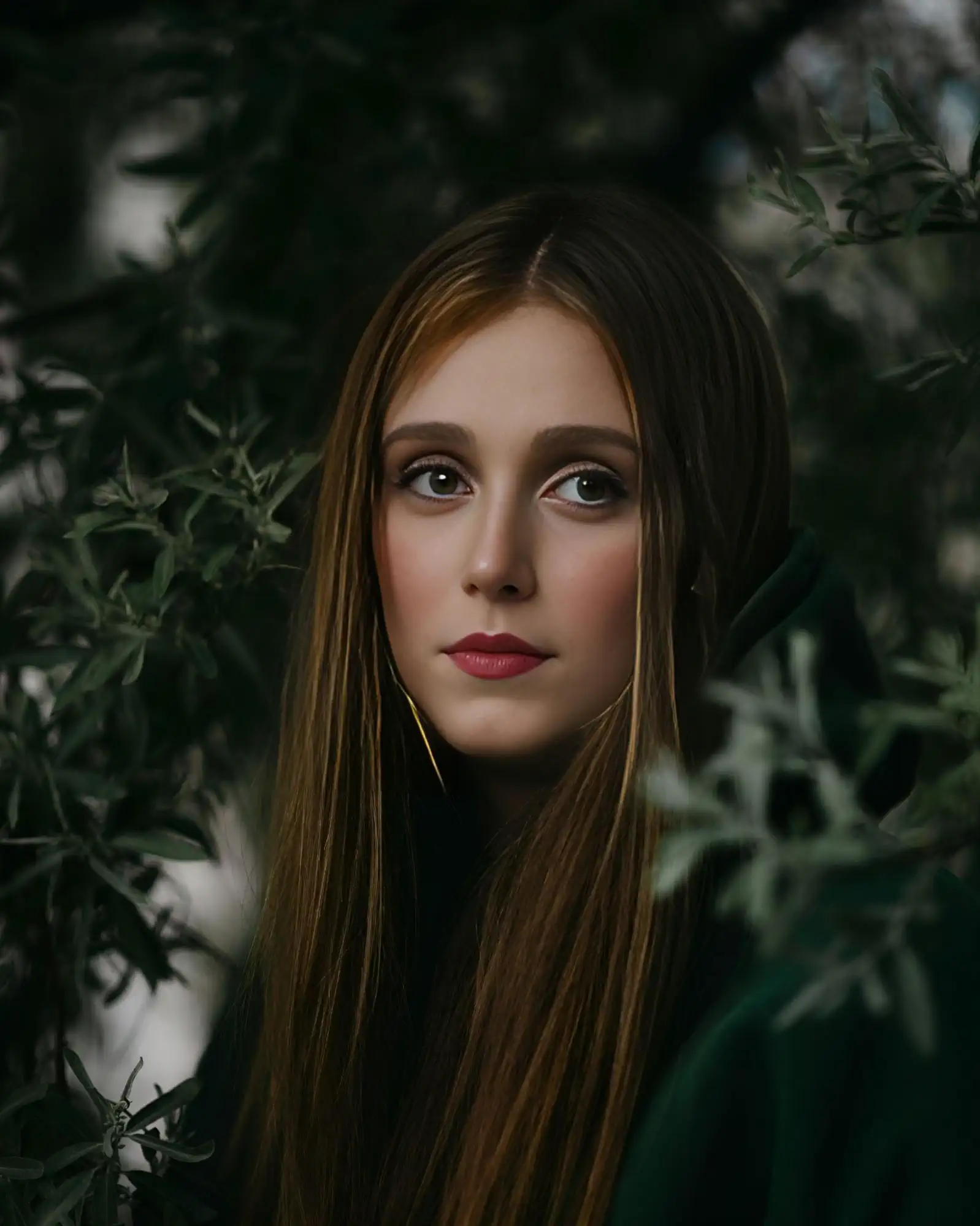
Example of a face swap:
Benefits of using FaceSwap AI on GPTunnel
Face swaps with no visible editing
The face-swap AI blends in the new face carefully, preserving natural features, light and shadows.
Works fully online, no software to install
Everything happens in the browser — no apps, no complicated setup.
Protects your personal data
Your uploaded photos are not stored and are processed anonymously.
Fast photo processing
Swapping a face takes just a few seconds thanks to an optimized neural network.
Cost of face swapping with FaceSwap AI
A single generation costs $0.15. For that price you get:
- Pay only for results: you're charged only for a successful face swap, with no hidden fees.
- High-quality processing: realistic face fitting with no artifacts or distortions.
- Full privacy: photos are not stored after processing — your data stays safe.
Examples of face swaps made with FaceSwap AI
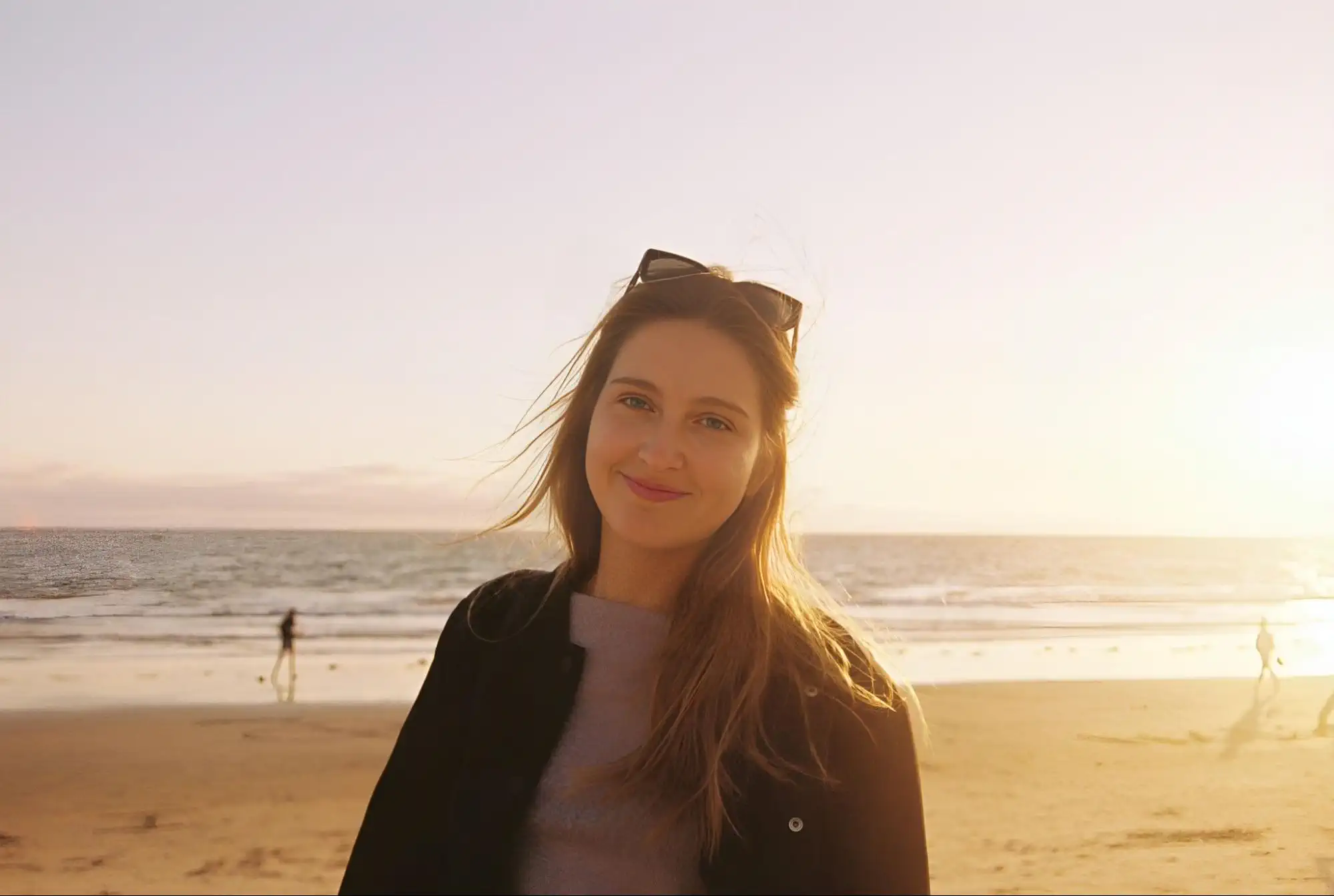
Caption: Used original photo and new face, both from Unsplash.
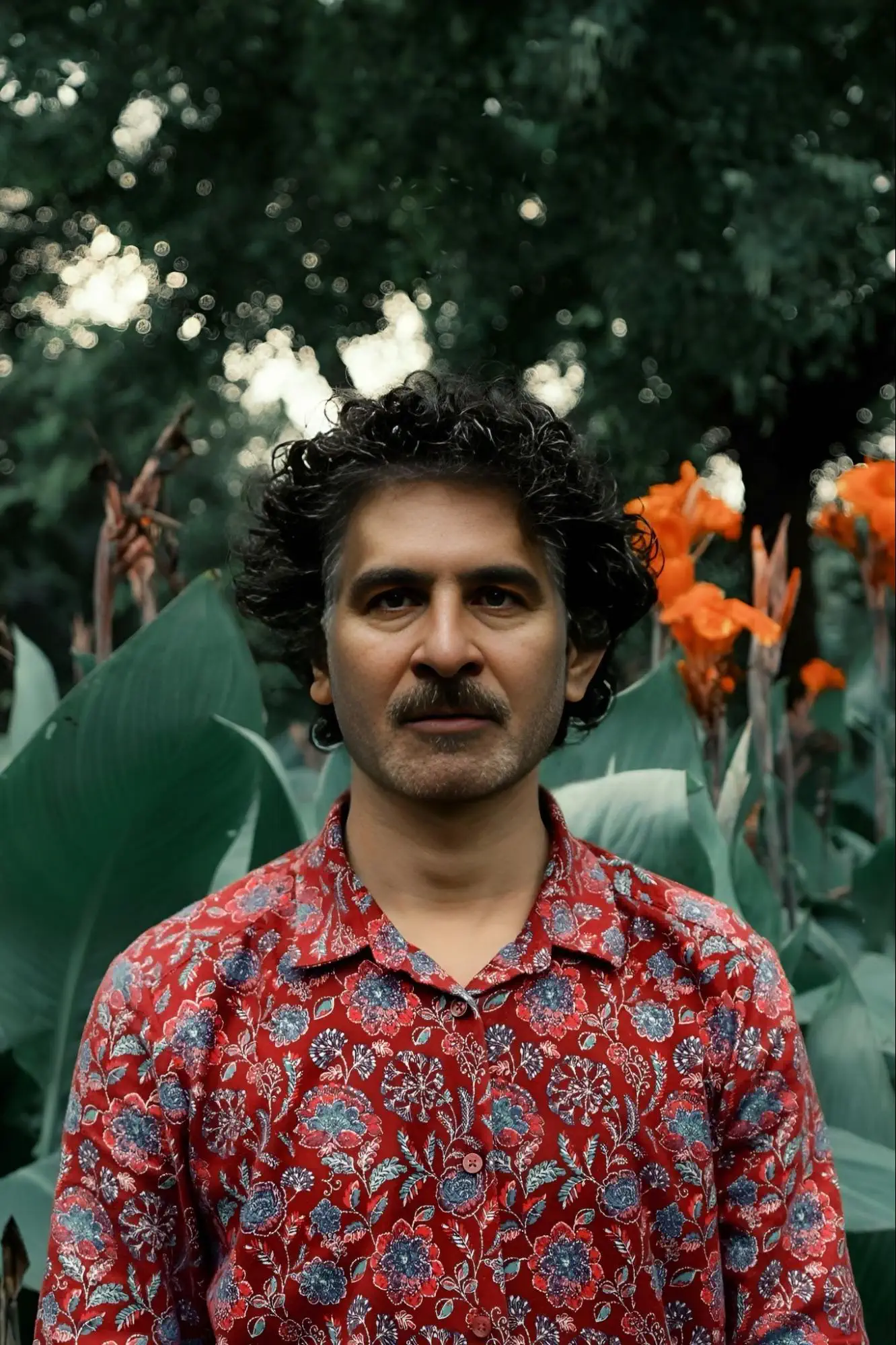
Caption: Used original photo and new face, both from Unsplash.

Caption: Used original photo and new face, both from Unsplash.
Where face-swap technology is used
Content creators, bloggers, marketers and everyday users already rely on FaceSwap. It helps create viral content, personalized gifts, ad creatives, and even tools for A/B testing.
Use cases:
- Face-swap memes — parodies, sketches, "what if" formats;
- Personalized cards, covers, photo stories;
- Visual testing of marketing hypotheses without paying for a photoshoot;
- Quickly trying out looks for casting, hairstyles or makeup;
- Fast avatar creation for social media profiles.
Technology that seemed like science fiction yesterday now runs in everyone's browser.
Technical details and limitations
The service supports all popular image formats and adapts to any device. But like any technology, it has its nuances.
What matters:
- The best results come from high-quality source photos.
- A strong head tilt or hidden parts of the face can hurt the outcome.
- The neural network processes only one face per image.
- Quality enhancement can partly compensate for weaker source photos.
FaceSwap adapts to tricky shooting conditions, handles different lighting, and can even work with imperfect shots. Still, the better the source photos, the better the final generation quality.
Ethical and legal aspects
Any powerful technology calls for a responsible approach. FaceSwap is a tool that can delight — or cause harm — depending on how it's used.
Simple rules to follow:
- Always get consent from the people whose photos you process.
- Don't post deepfakes that could harm someone's reputation.
- Follow local laws on image use and personal data.
- Don't use images of celebrities for commercial purposes without permission.
Under the GPTunneL terms of service, all generated materials belong to you. That means you have the right to use them — and you're responsible for the consequences. For user safety, FaceSwap automatically blocks NSFW content and protects privacy.
Start creating amazing photos today
FaceSwap by GPTunneL opens the door to a world where your imagination is the only limit. It's a full-fledged tool for creativity, marketing and self-expression. Create unique content, test looks and concepts — all of it now takes just minutes.
Join thousands of users who have already discovered the magic of AI technology. FaceSwap is part of the GPTunneL ecosystem, home to the best AI tools for working with images, text and video. Once you've created a photo, you can customize it further: for example, bring it to life with Minimax, add unique effects, or build a whole story around it.